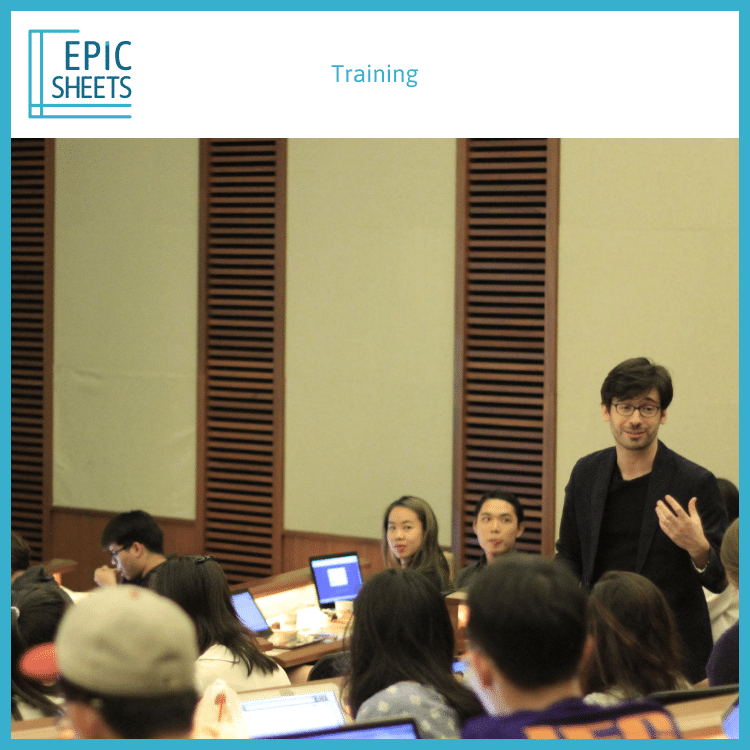
A training day for ambitious teams & professionals to accelerate their career & optimize their workflow with Google Sheets.
Discover a new approach to
data analytics,
business intelligence,
data manipulation skills
and more…
Teams today spend too much time aggregating, reporting & consolidating data - without the fundamental skills required.
Epic Sheets Training is designed to equip participants with the data-driven mindset and best practises to quickly generate powerful, scalable google spreadsheets – the secret behind successful teams.
Who should join?
Ambitious professionals and teams…
Spending 2 hours or more per week in a spreadsheet
Good spreadsheets save time. Tasks which to take days can be done in minutes.
Doing repetitive tasks
Build scalable Google Sheets which can be re-used again and again.
Focus on high value work by automating time consuming manipulations.
Who wants to take their career to the next level
Up-skill yourself to be ready in a world of data.
Often, someone spending time in spreadsheet will be stuck in data manipulation and provide that alone as a result. But spreadsheets can be used for much more. The data manipulation is just the first step. Analysis and actionable insights are the real outcome.
Switching from Excel to Google Sheets
Google Sheets is natively collaborative, making teamwork much more powerful.
Basic knowledge to use spreadsheet formulas such as =SUM(), =COUNT(), =IF() or other simple formulas. Knowledge of Google Sheets is good, but not required: Similarities with Microsoft Excel are strong enough that the training can be the opportunity to switch to Google Sheets.
Come with your laptop: It’s a hands on session.
What is covered
Key formulas needed in business environment for sales, marketing and finance team.
Key keyboard shortcuts to accelerate spreadsheet manipulation.
The programmer mindset: building spreadsheets which can be re-used instead of having to be rebuilt again and again.
How to connect several Google Sheets together for multi-users collaboration.
How to build decision-ready dashboards.
What is FAQs
Where?
The training session is held in Singapore CBD (location is announced to participants a few days before the session).
How big is the class?
Small groups of 10 people max to ensure quality.
What happens afterwards?
There will be a 30 day follow: Participants can ask follow-up questions via email.